User Account Activities
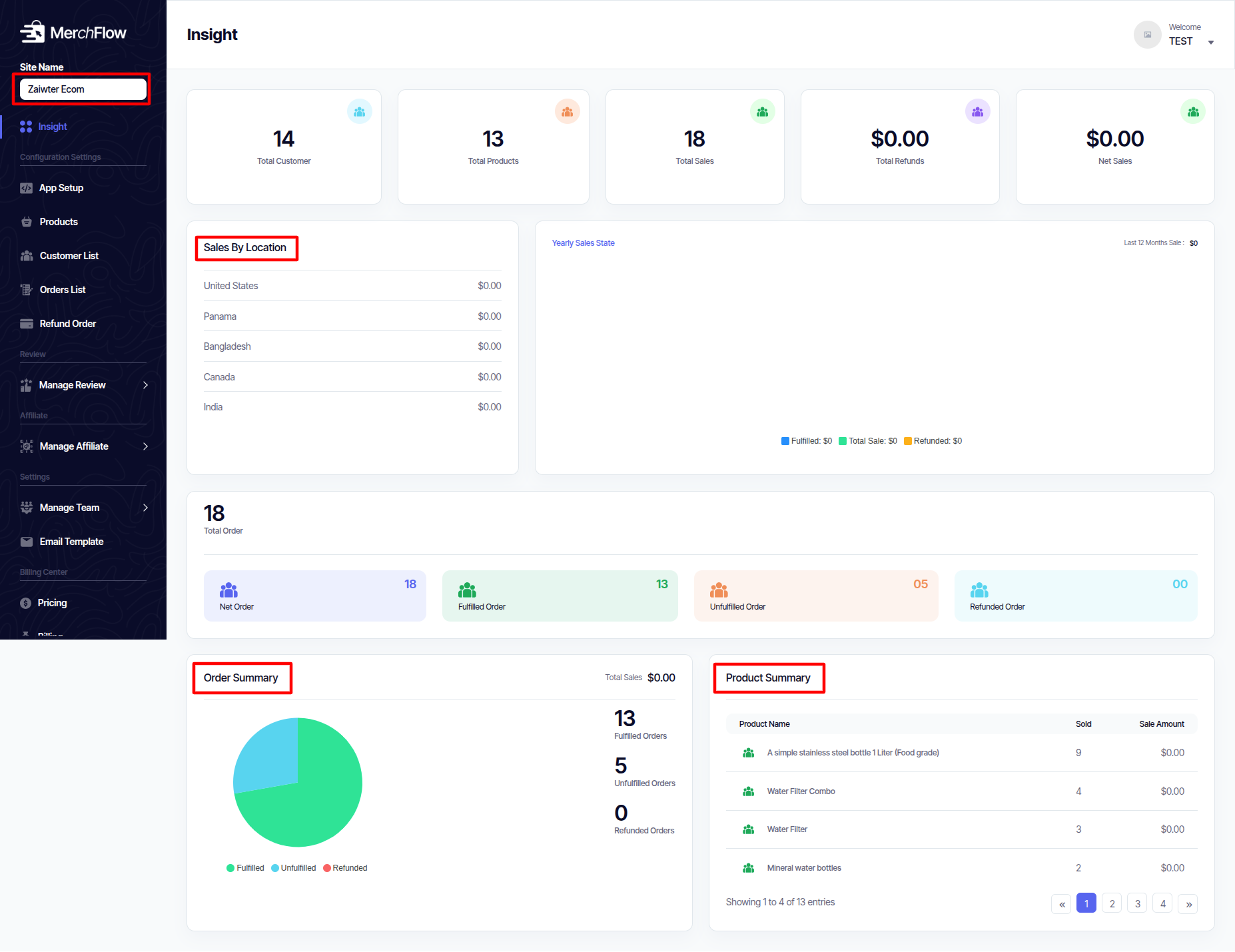
Insight
User can Show
- Total Customer
- Total Products
- Total Sales
- Total Refunds
- Net Sales
- Sales By Location
- Yearly Sales State
- Total Order
- Net Order
- Fulfilled Order
- Unfulfilled Order
- Refunded Order
- Order Summary
App Setup
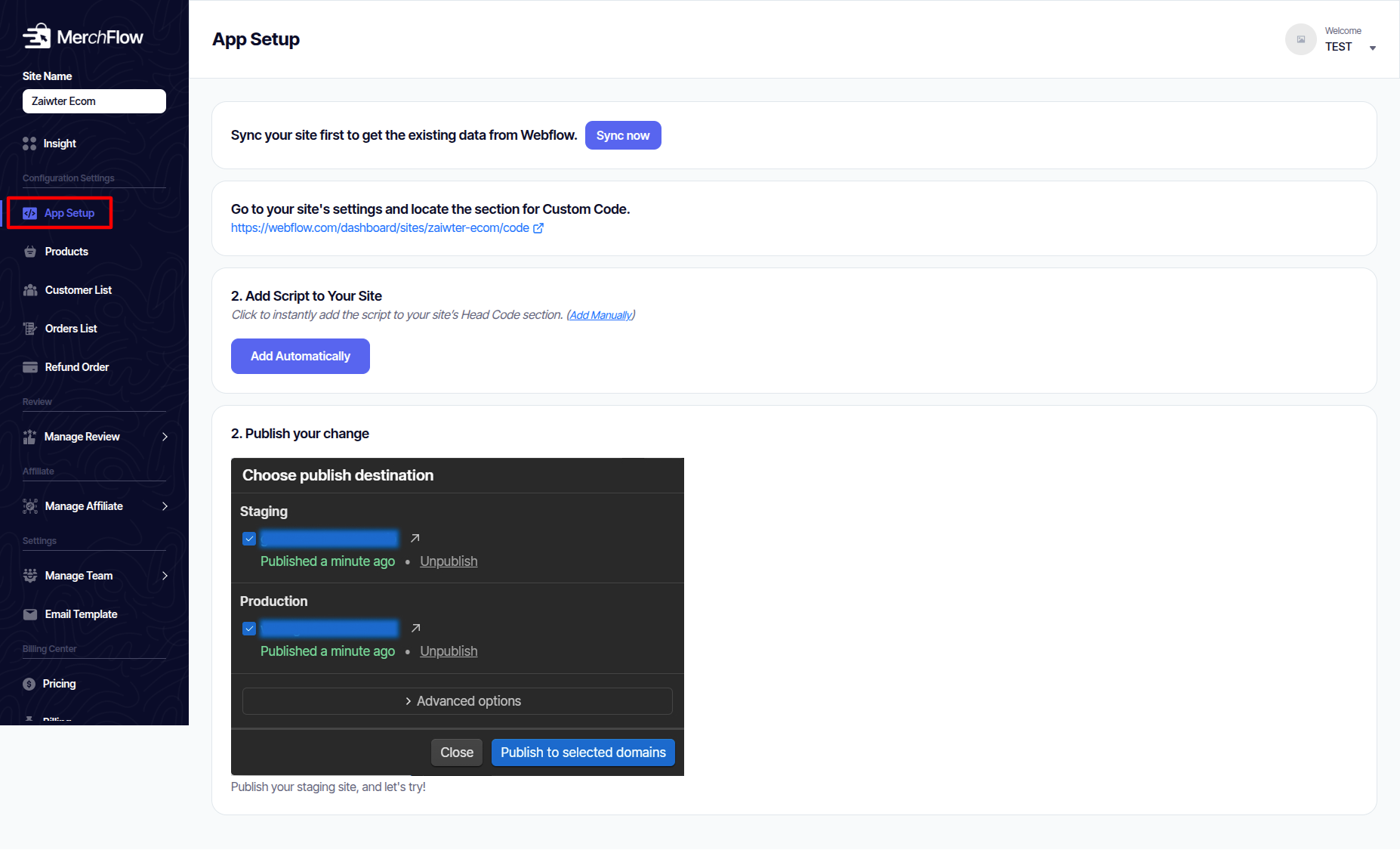
This is where you set up your site integration with MerchFlow.
-
Connect your Webflow project.
-
Configure global settings (API keys, domains, etc.).
-
Ensure everything is ready before enabling apps.
-
The configure video is available here for reference. You may check it if needed.
Product
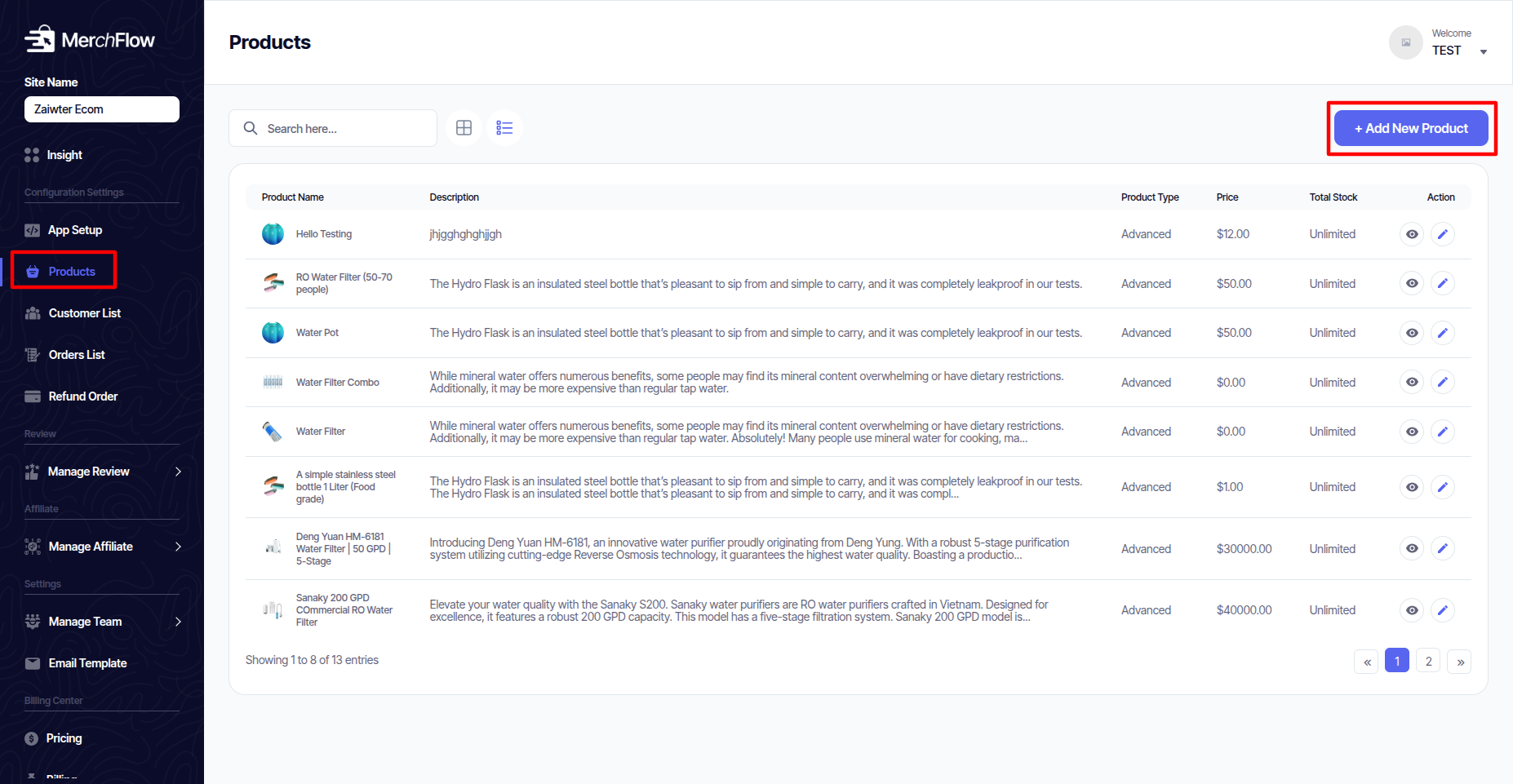
The command center for everything related to your inventory. Here you add, manage, and organize all the items you sell.
- Create product listings with titles, descriptions, images, variants (size, color), prices, and inventory counts.
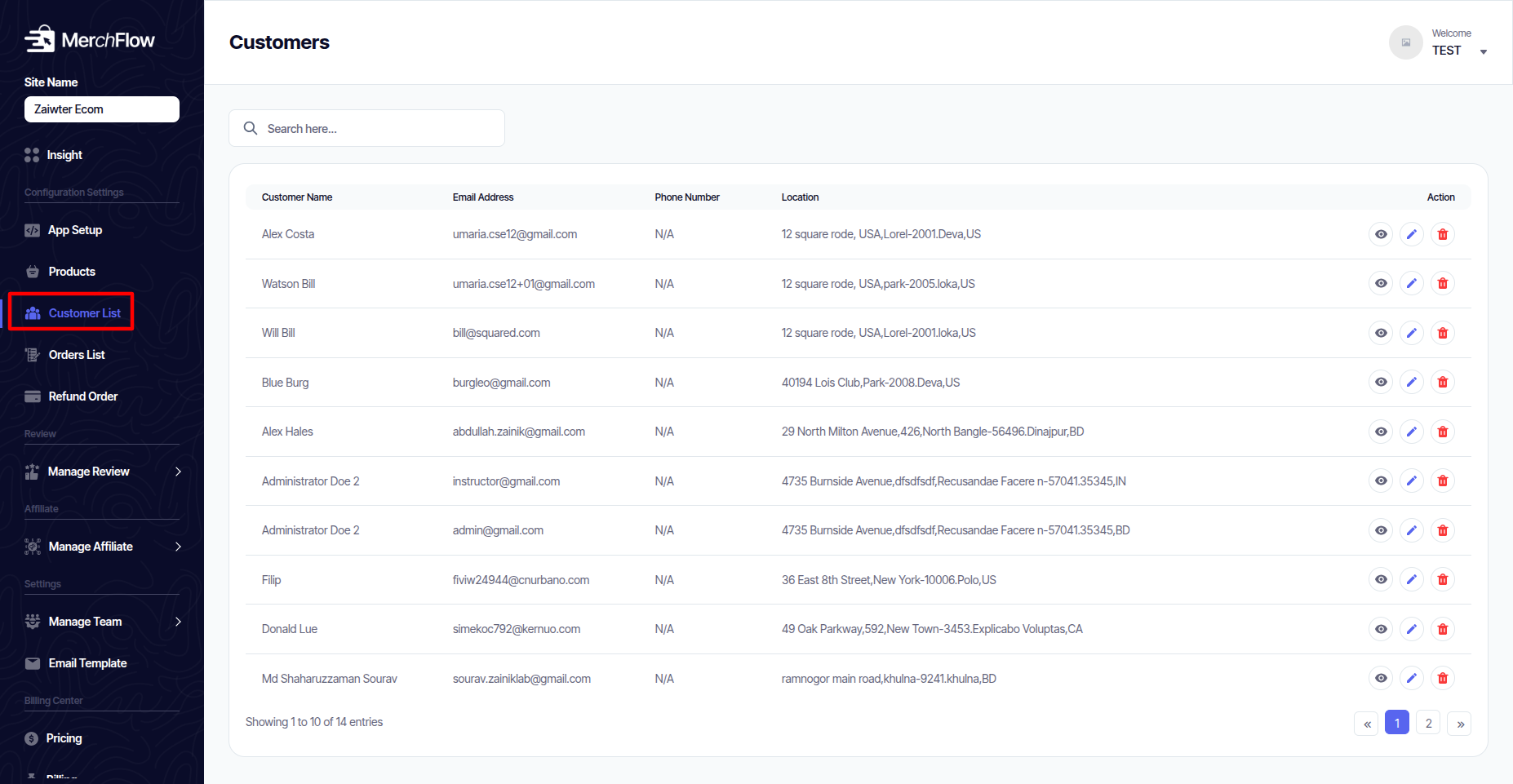
Customer List
A centralized database of everyone who has made a purchase or created an account on your store.
View a searchable list of all customers.
Access individual customer profiles to see their order history, contact information, and lifetime value.
Order List
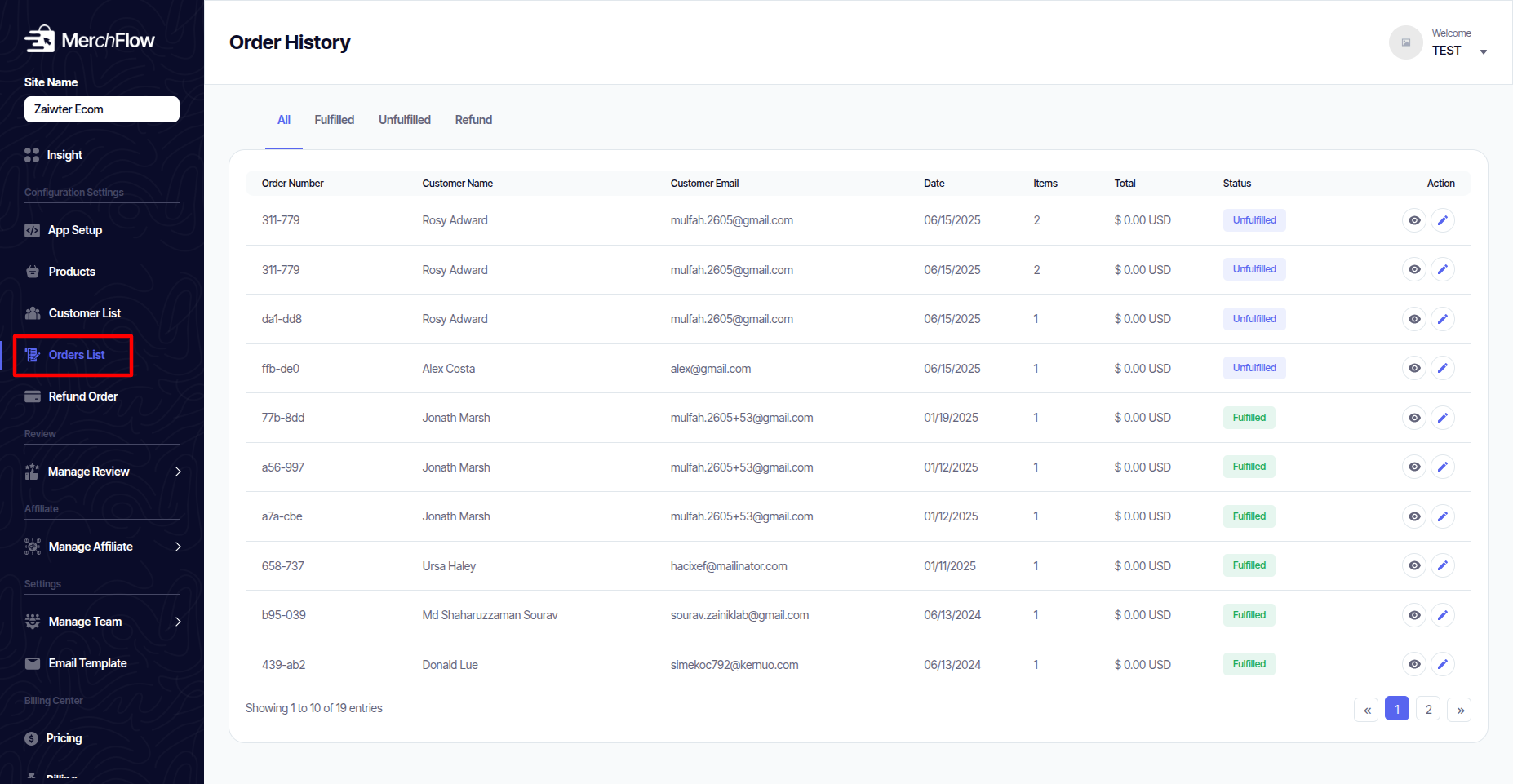
The operational heart of your store. Track and manage every order from the moment it is placed until it is fulfilled.
View all orders in a sortable and filterable list (e.g., by status: Pending, Paid, Shipped, Completed).
Drill down into individual orders to see details: items purchased, customer info, payment status, and shipping address.
Refund Order
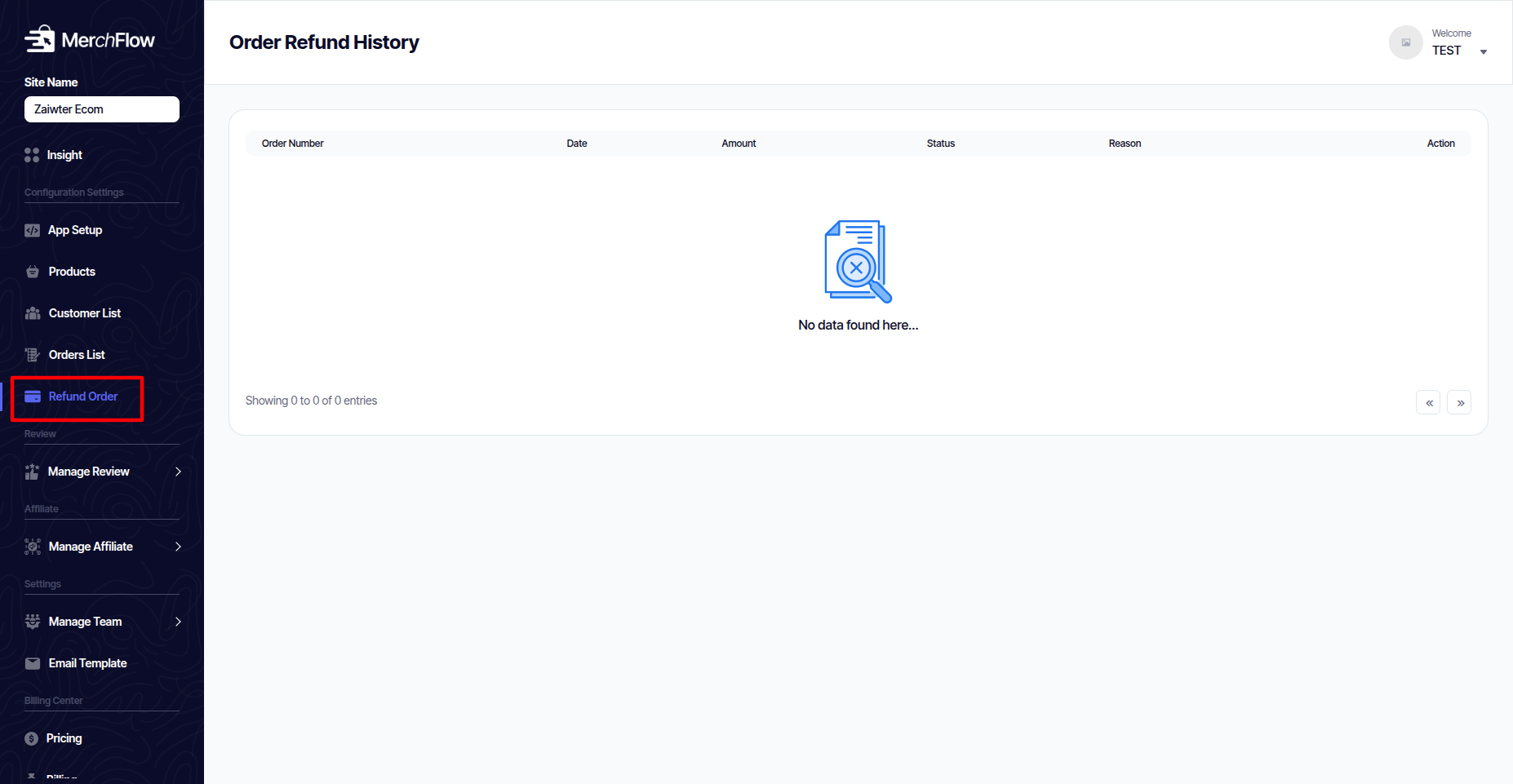
A specialized function to process refunds and returns for your customers directly through your connected payment gateway.
Select an order and specific items to refund.
Process full or partial refunds.
Log the reason for the refund for record-keeping.
Manage Review
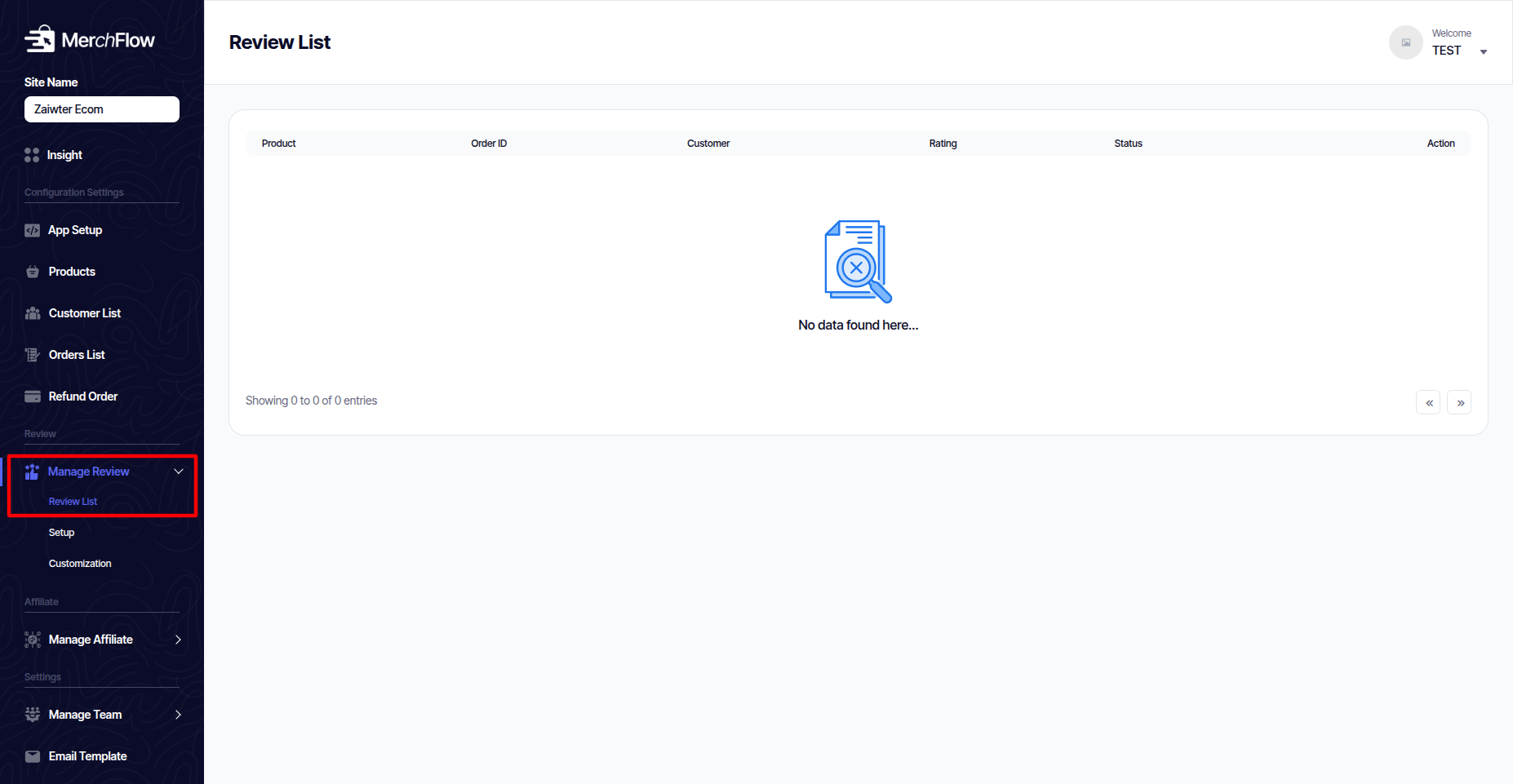
Review List
A comprehensive view of every review submitted for all your products.
Browse all reviews in one place.
Filter reviews by product, rating (e.g., 5-star, 1-star), or status (approved, pending).
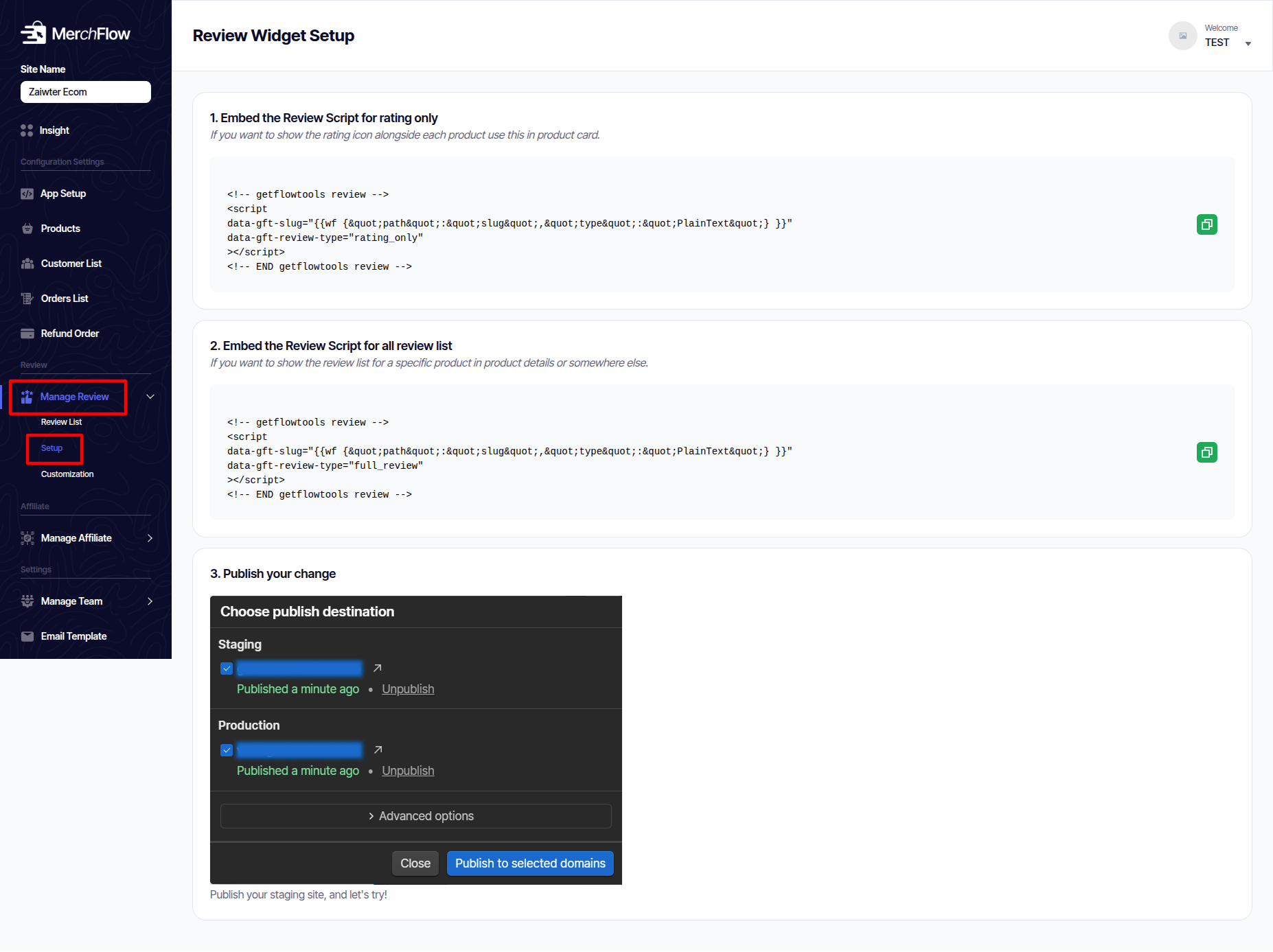
Setup
- Add Star Ratings to Product Cards:
Use the first code snippet.
Paste it into an Embed element inside your Webflow product card. This will show star ratings on your collection page.
- Add Full Reviews to Product Pages:
Use the second, longer code snippet.
Paste it into an Embed element on your individual product page template. This will show the complete review list and form.
- Publish Your Site:
After adding the code, you must click Publish in Webflow (to Staging or Production) for the changes to go live on your website.
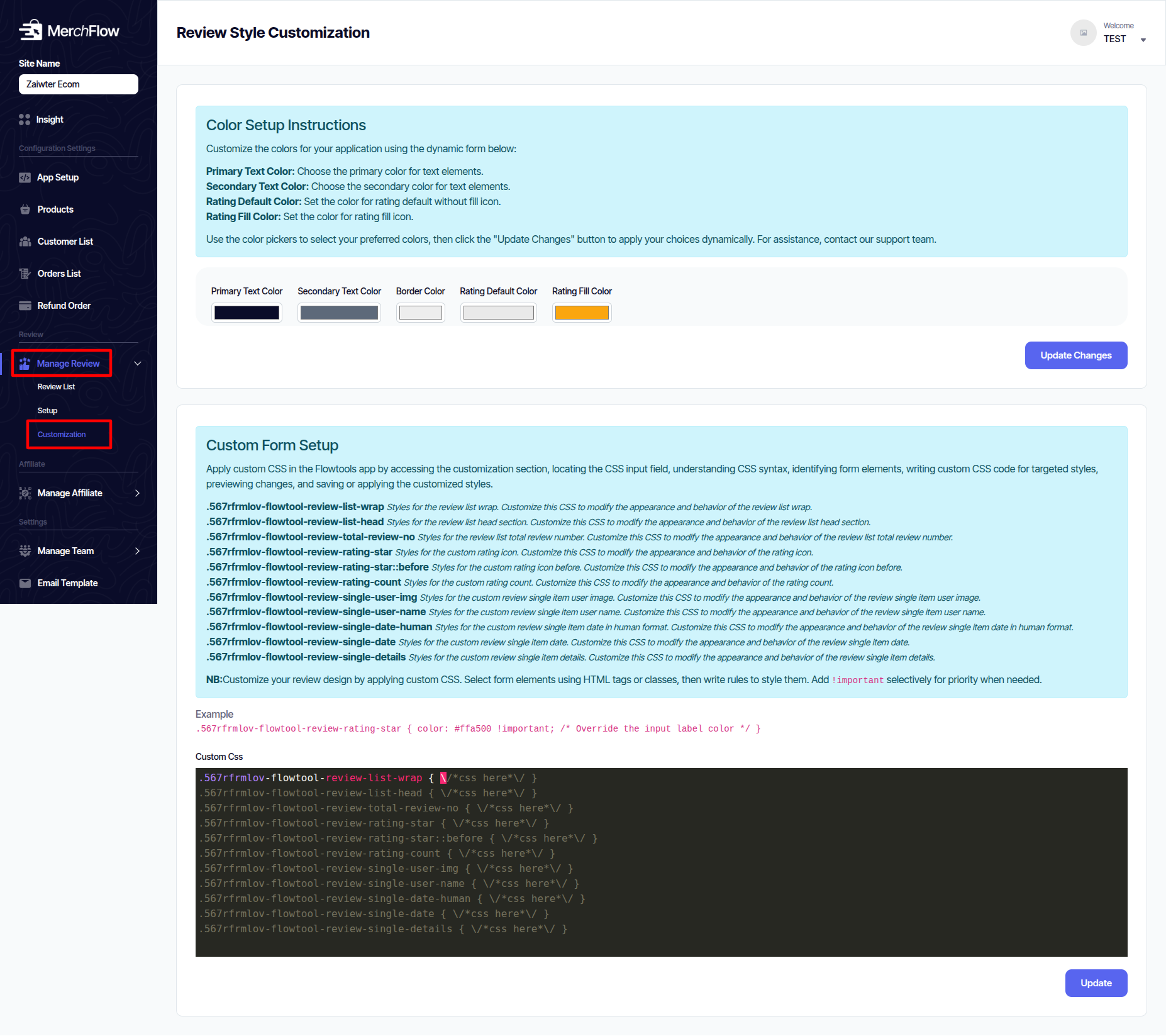
Customization
1 Simple Color Picker: Easily change key colors like:
    Text Colors (Primary and Secondary)

    Star Rating Colors (Empty stars and Filled stars)
2 Advanced CSS Editor: For full control, you can write custom CSS code to change the style of every part of the review section (like the list, the headers, the rating bars, and individual comments).
Manage Affiliate
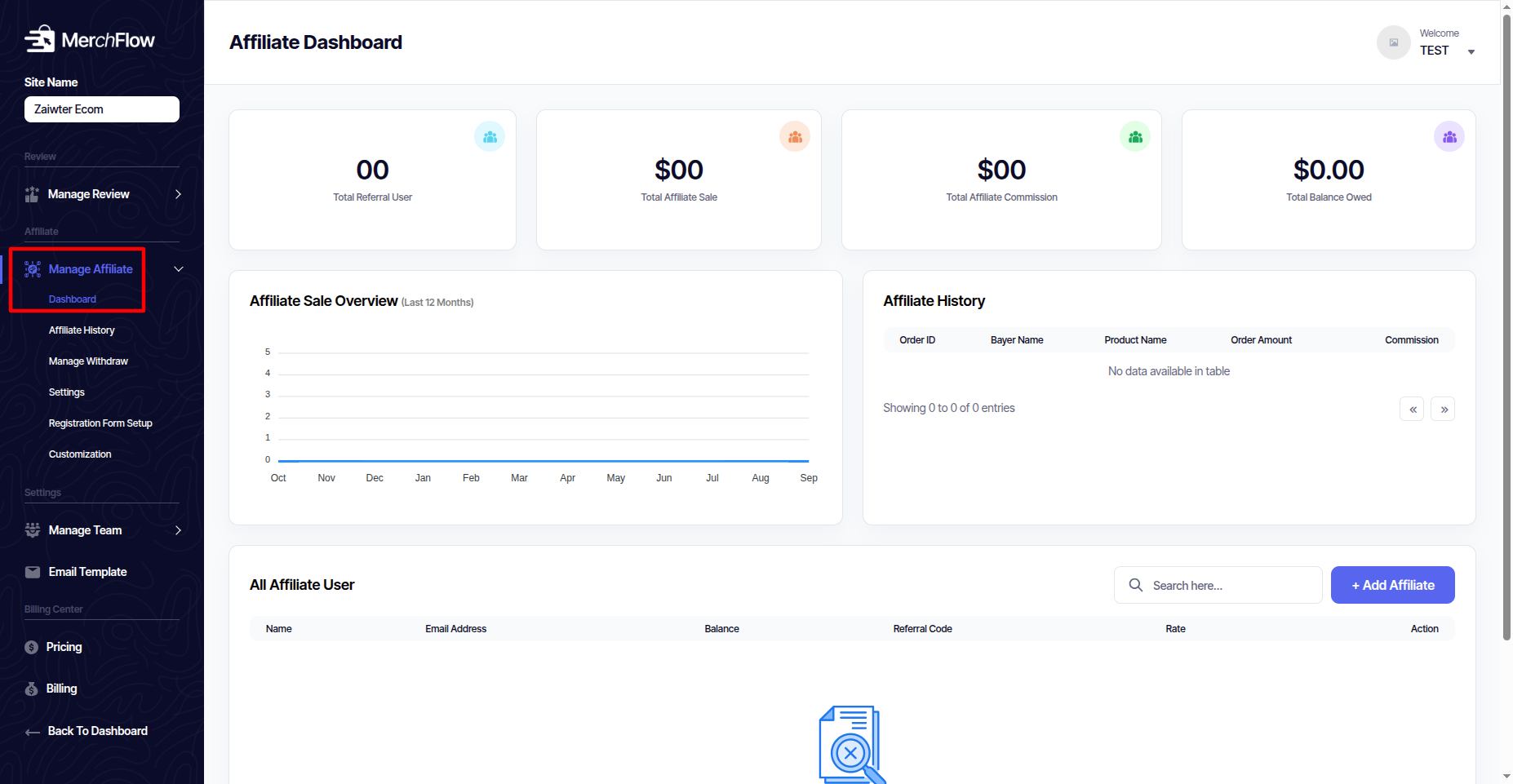
Dashboard
View a quick overview of your program's performance: total sales, paid commissions, and top affiliates.
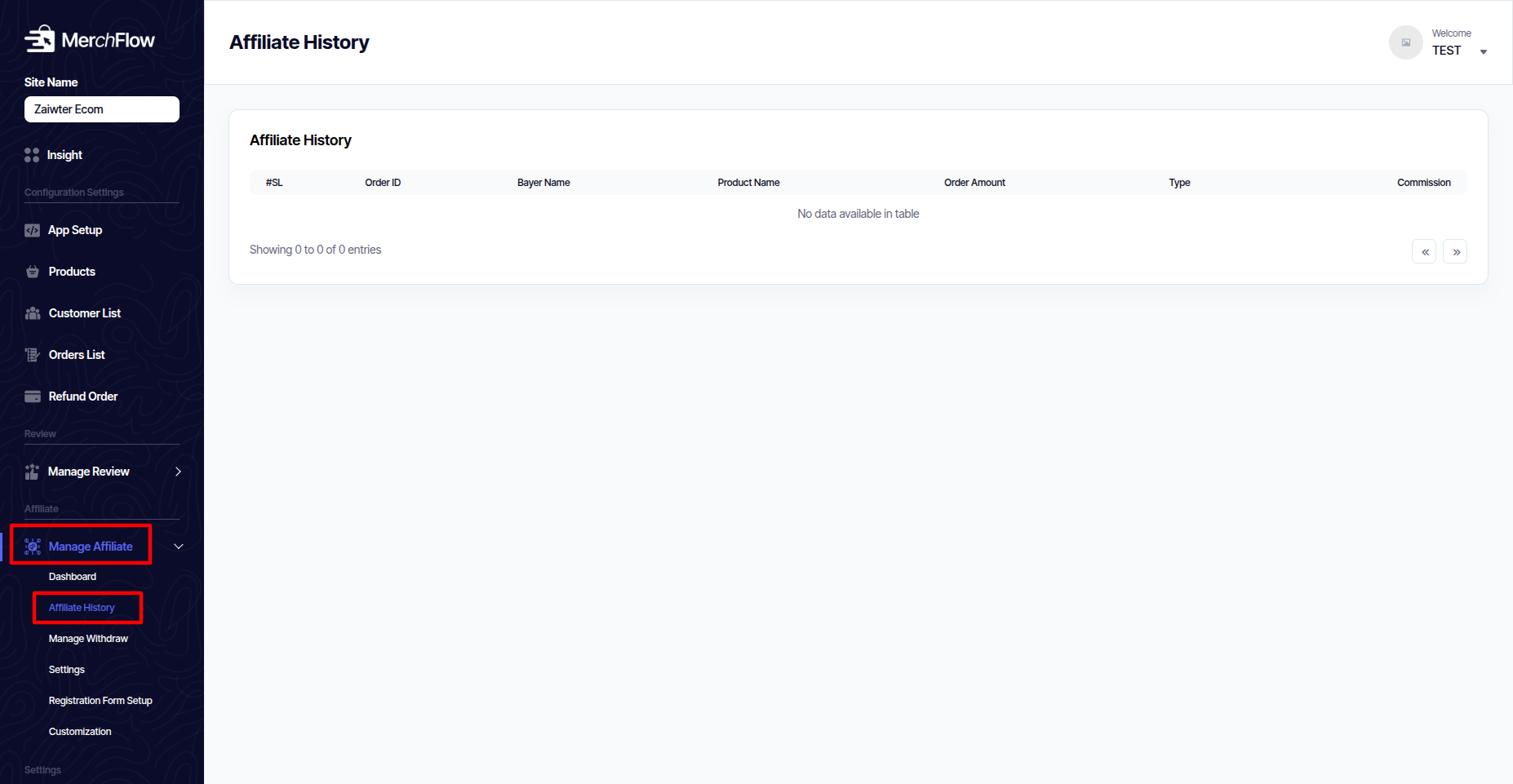
Affiliate History
Track every commission earned, including the product, sale value, affiliate, and status (e.g., pending, paid).
Manage Withdraw
Process commission payout requests from your affiliates.
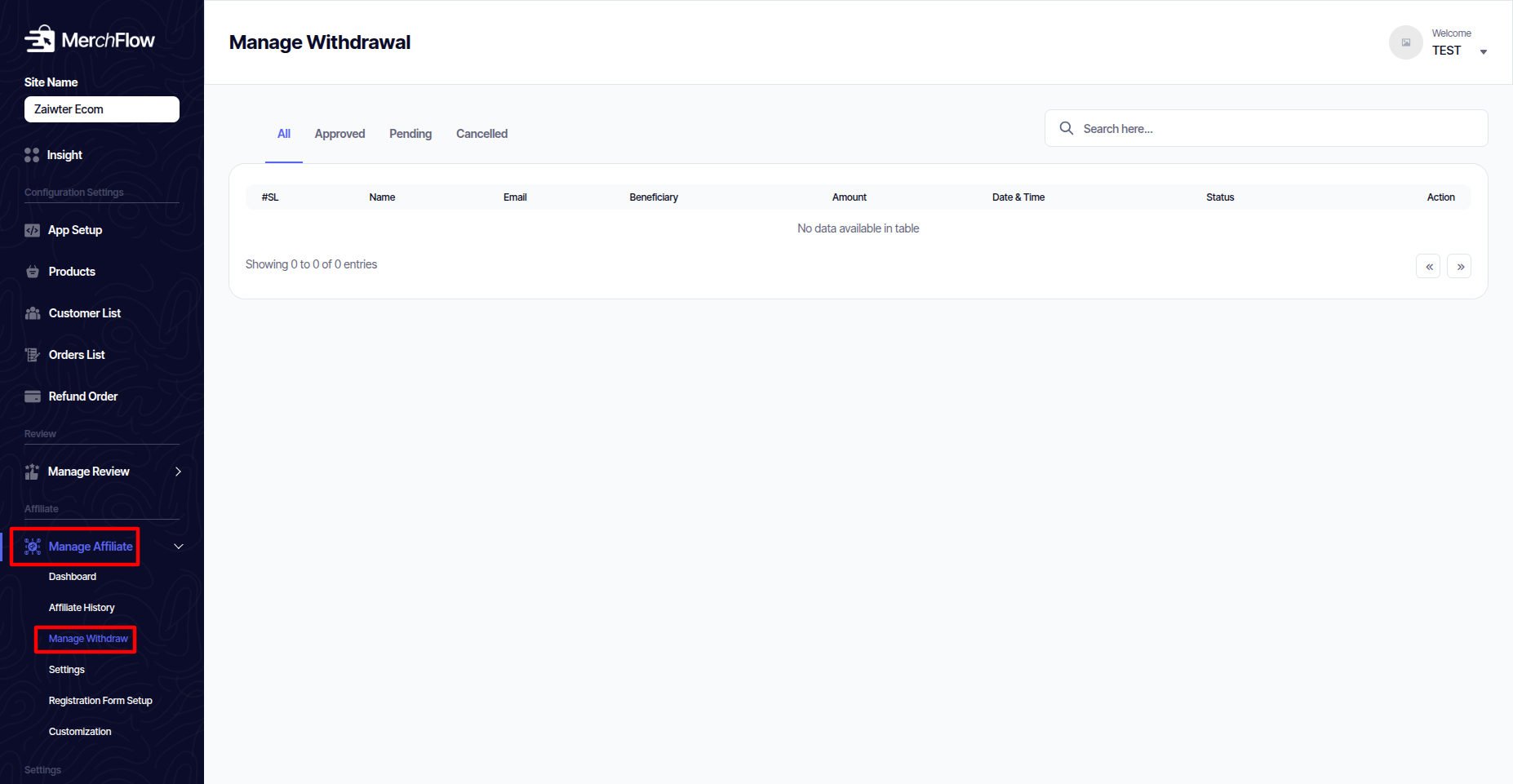
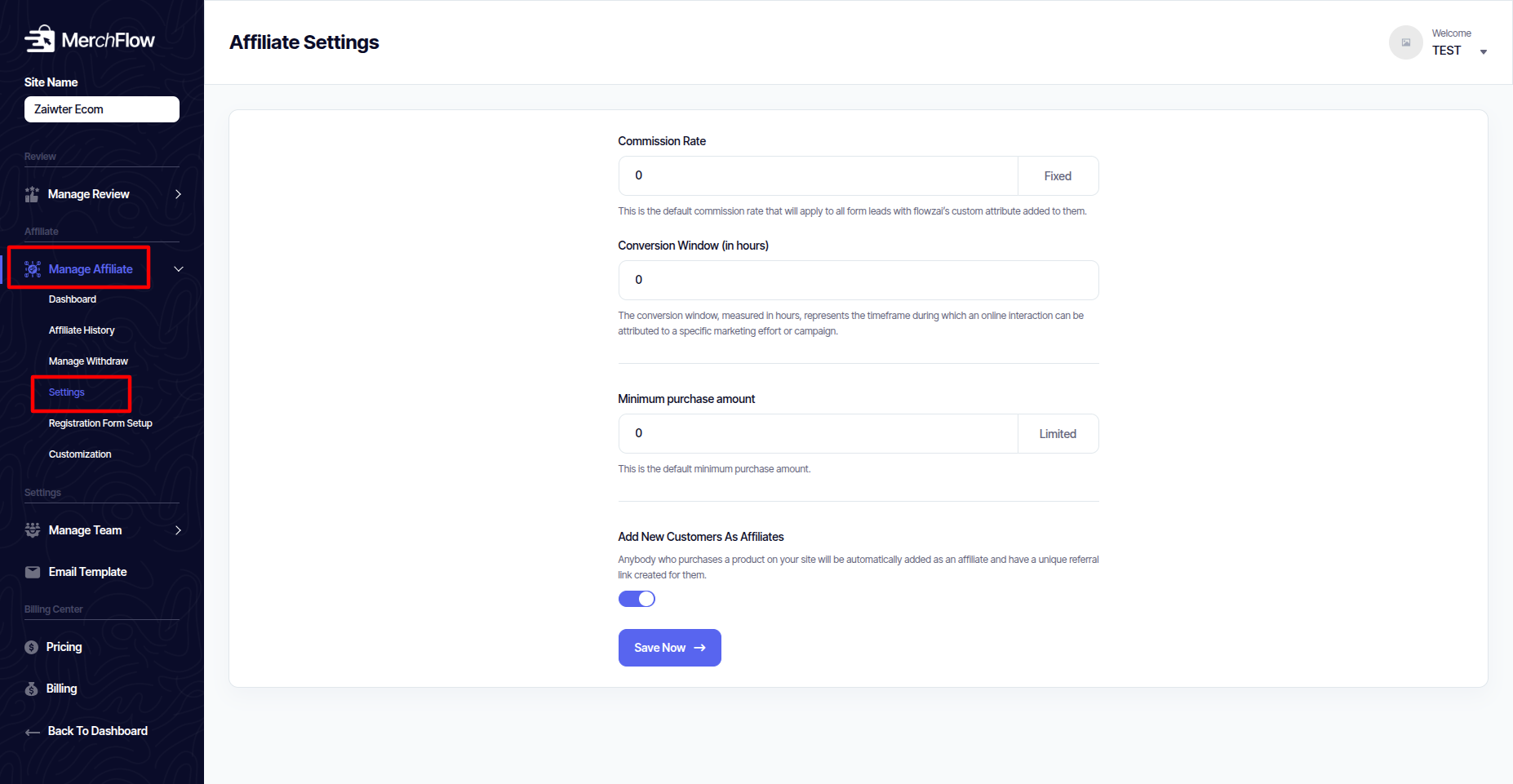
Settings
Configure core program rules like commission rates (percentage or fixed amount), cookie duration, and payment terms.
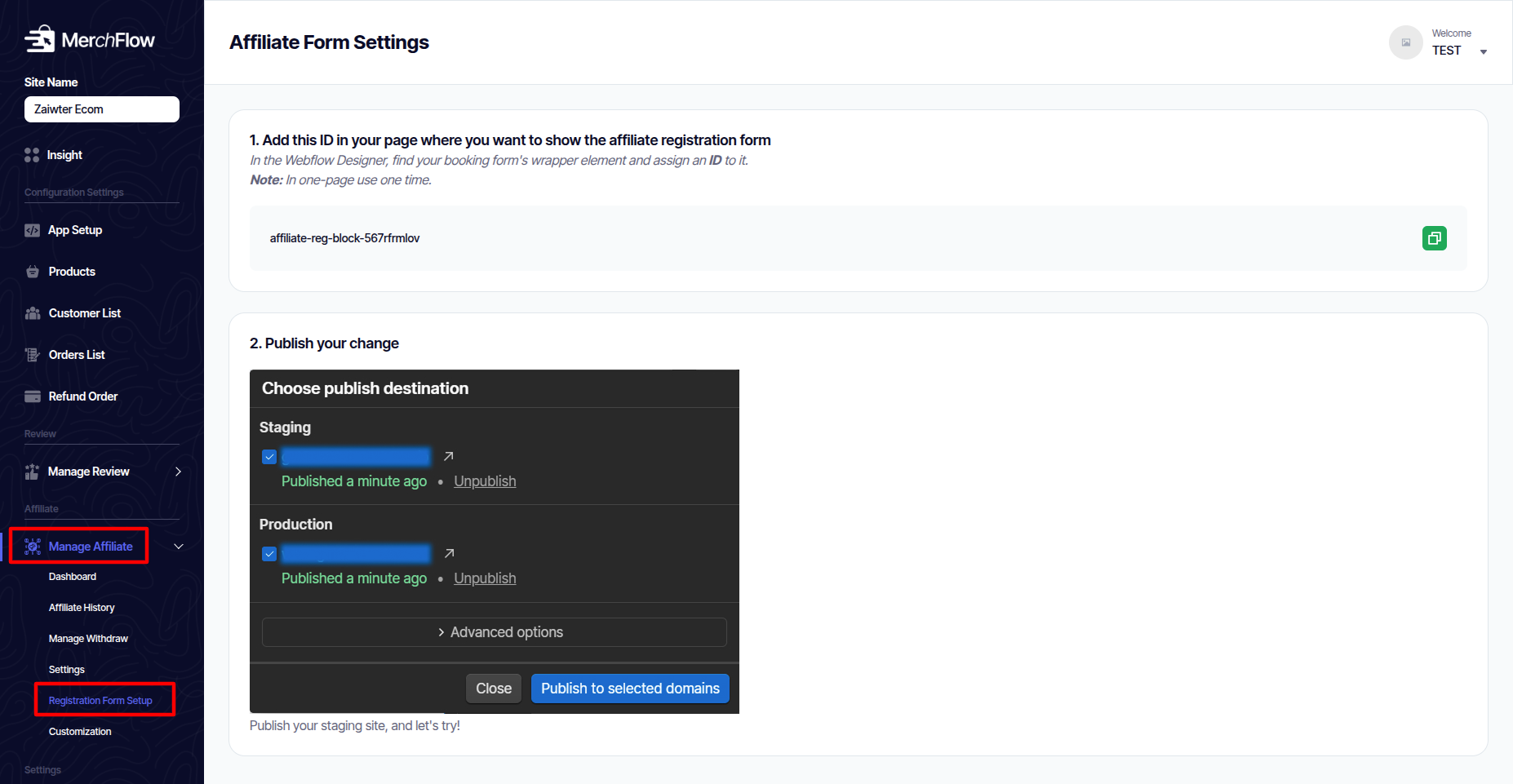
Registration Form Setup
Customize the sign-up form that new affiliates use to join your program.
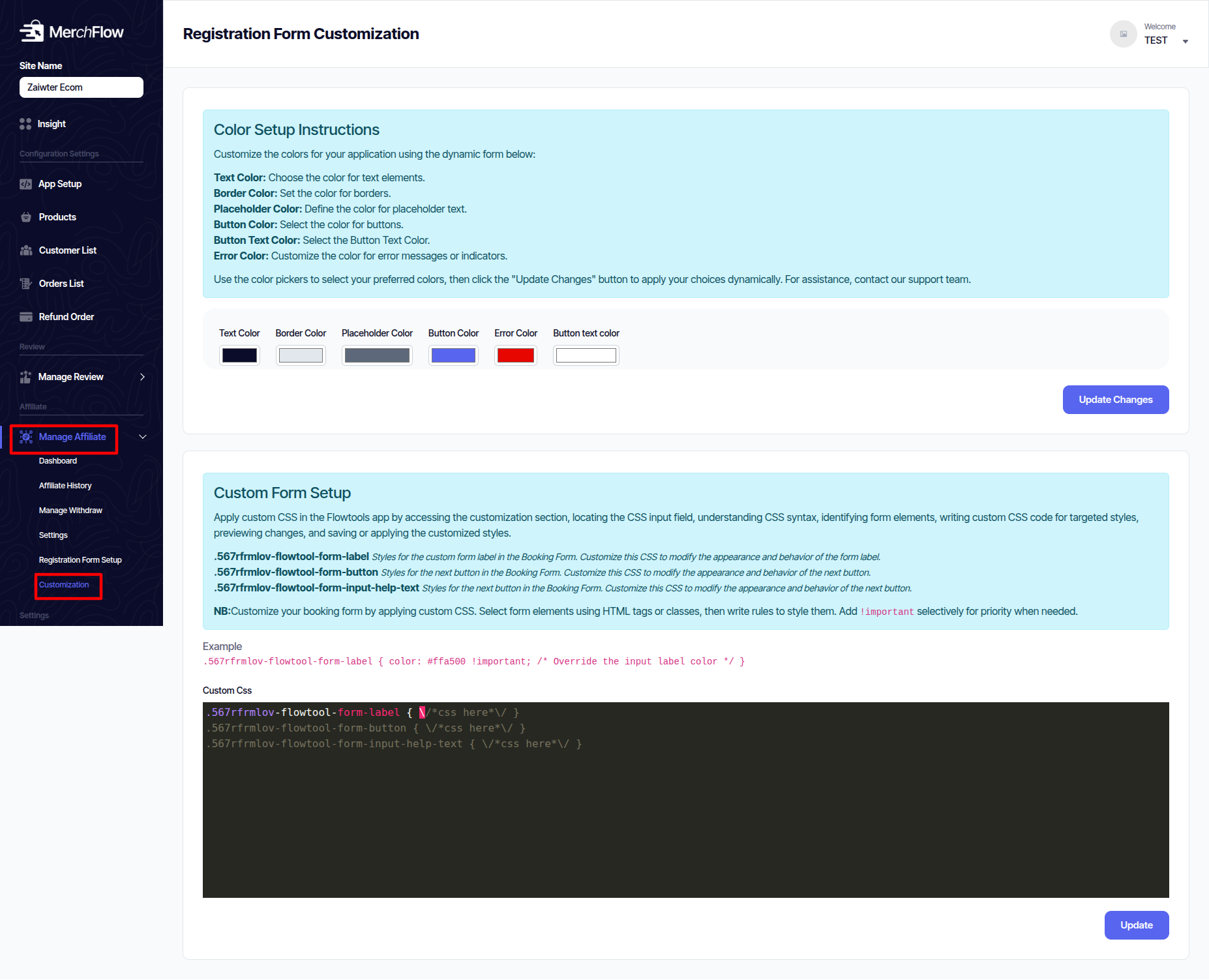
Customization
Change the look and feel of the affiliate dashboard to match your brand.
Manage Team
Control who has access to your MerchFlow dashboard.
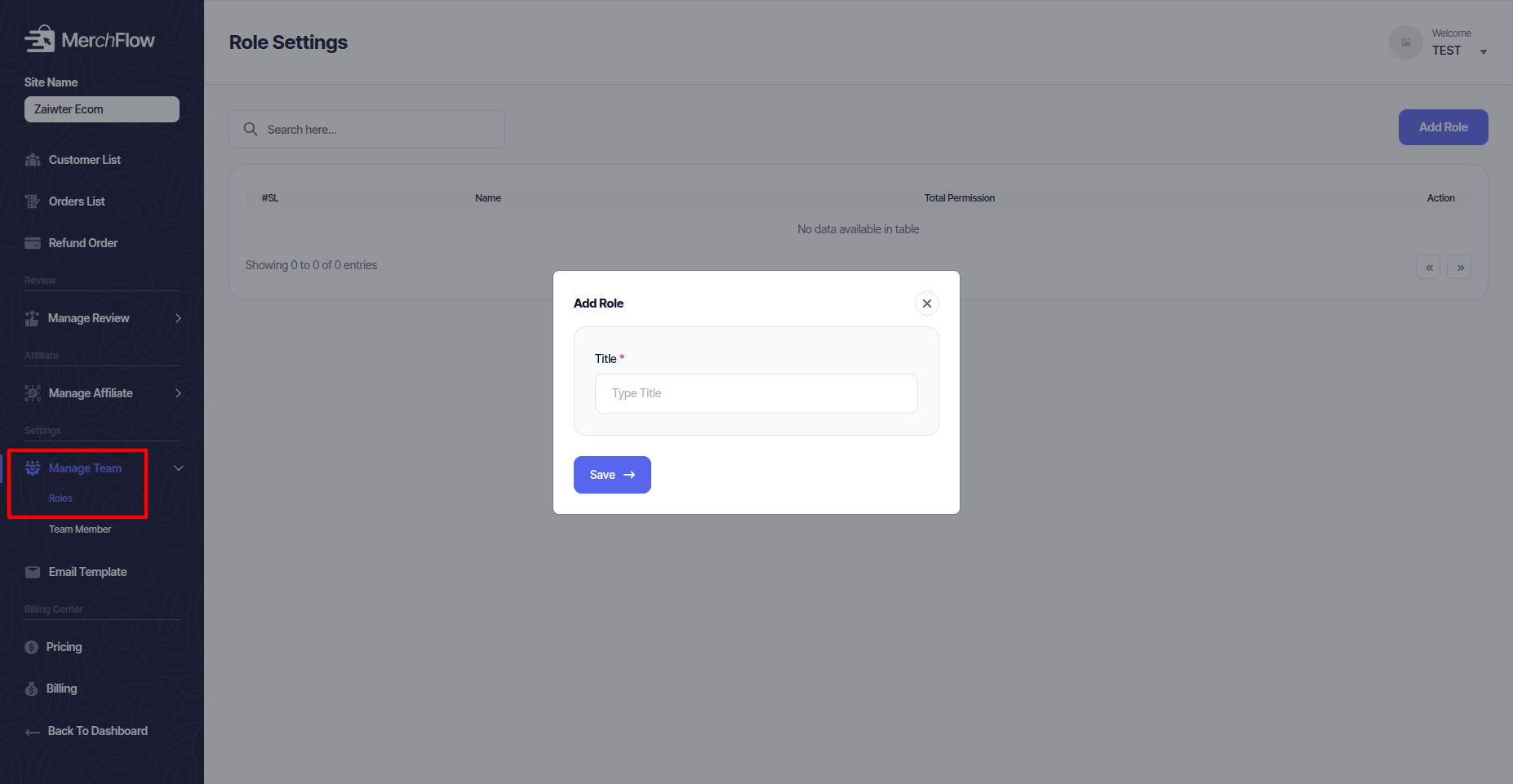
Roles
Define permissions (e.g., User, Support) to limit what team members can see and edit.
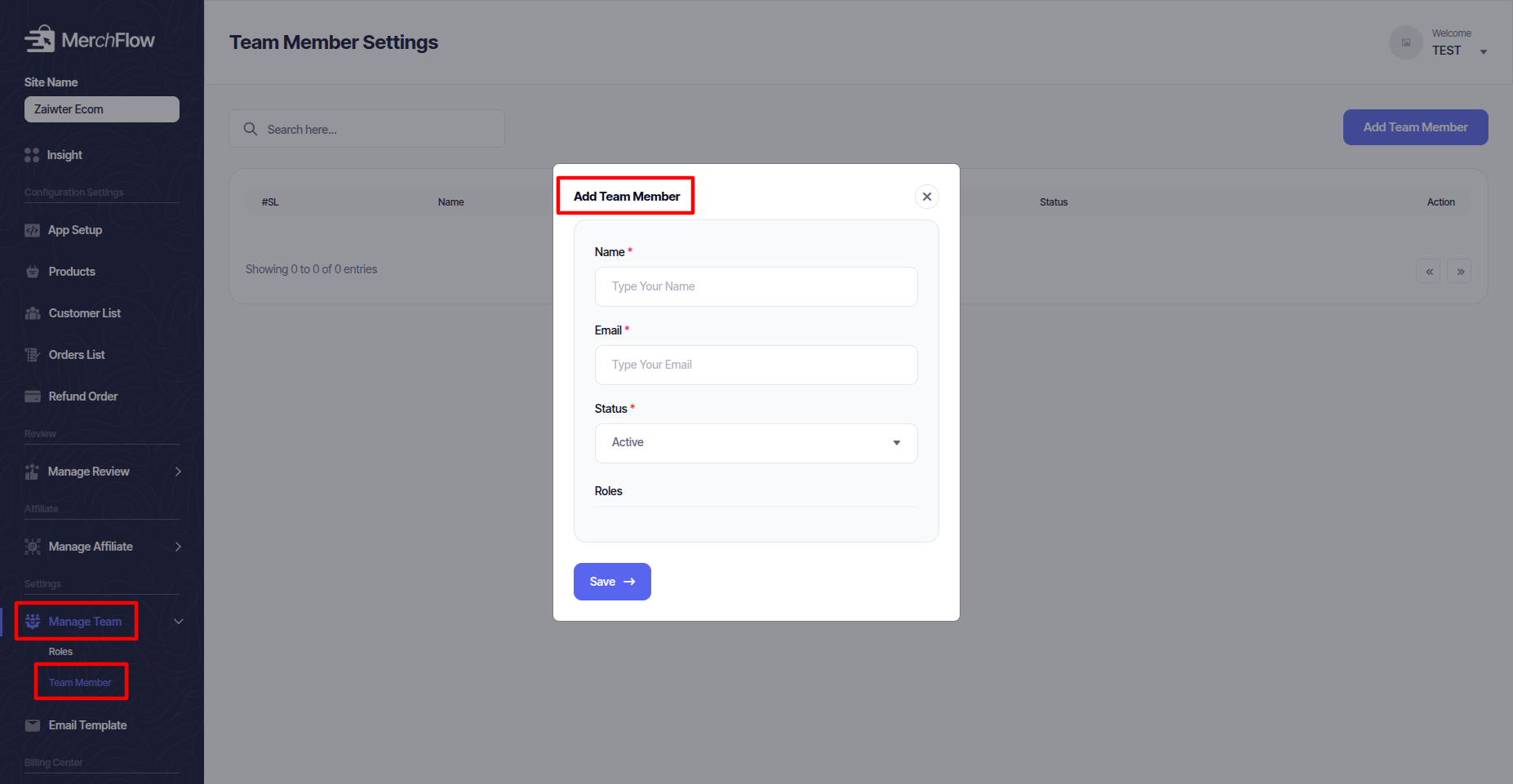
Team Member
Invite and manage users added to your account.
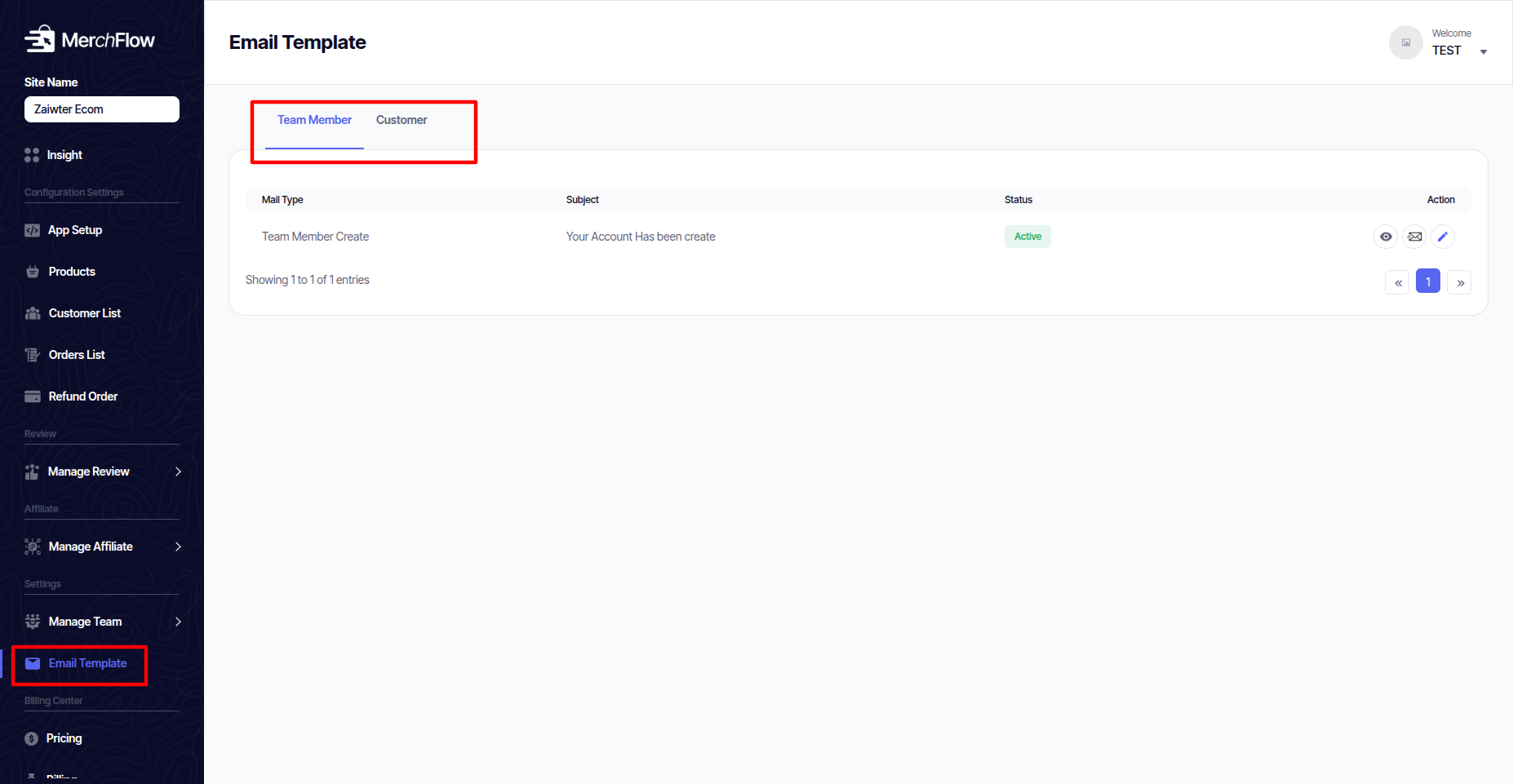
Email Template
Customize the automated emails sent to you and your customers (e.g., order confirmations, review requests, affiliate signups).
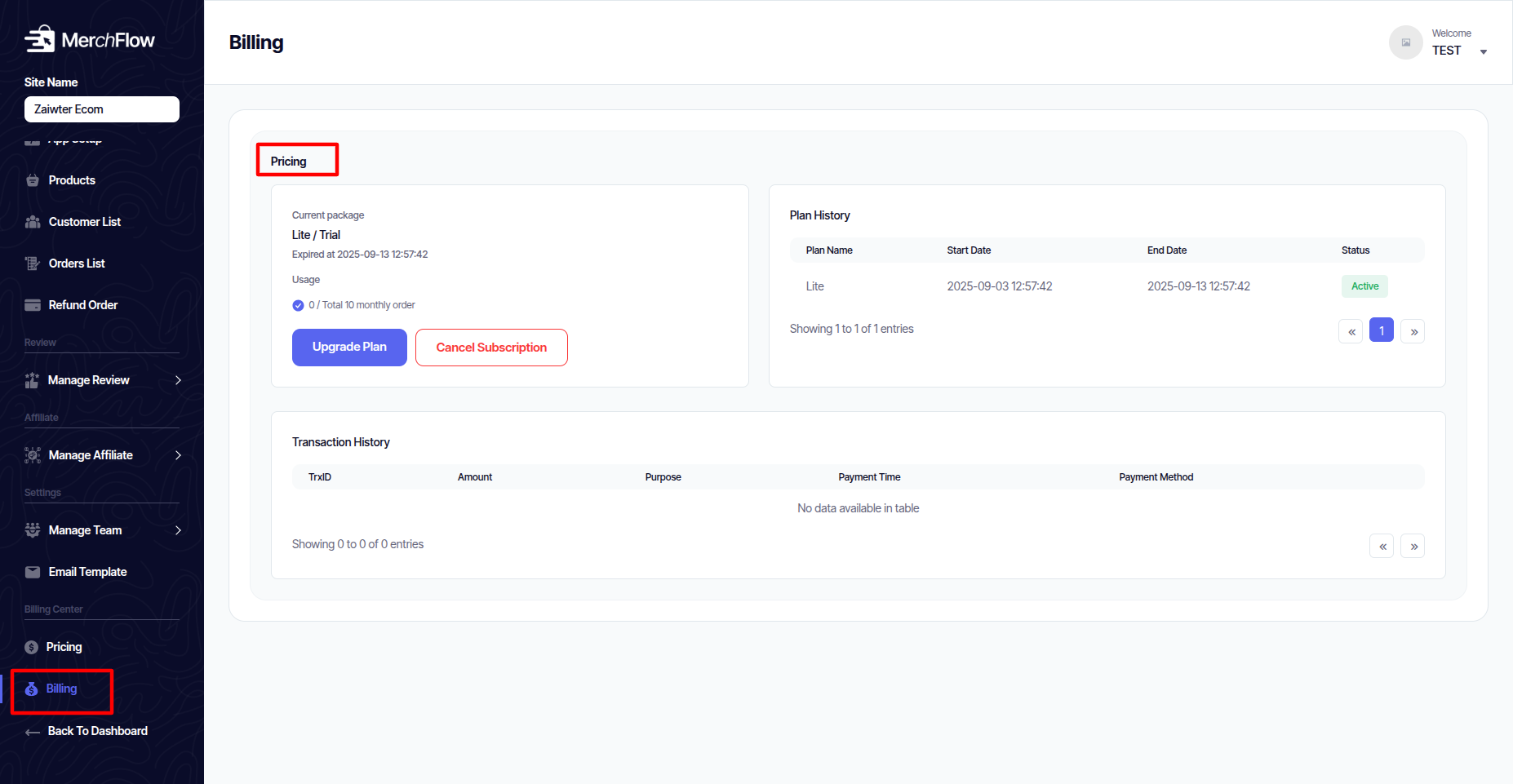
Manage your subscription to MerchFlow.
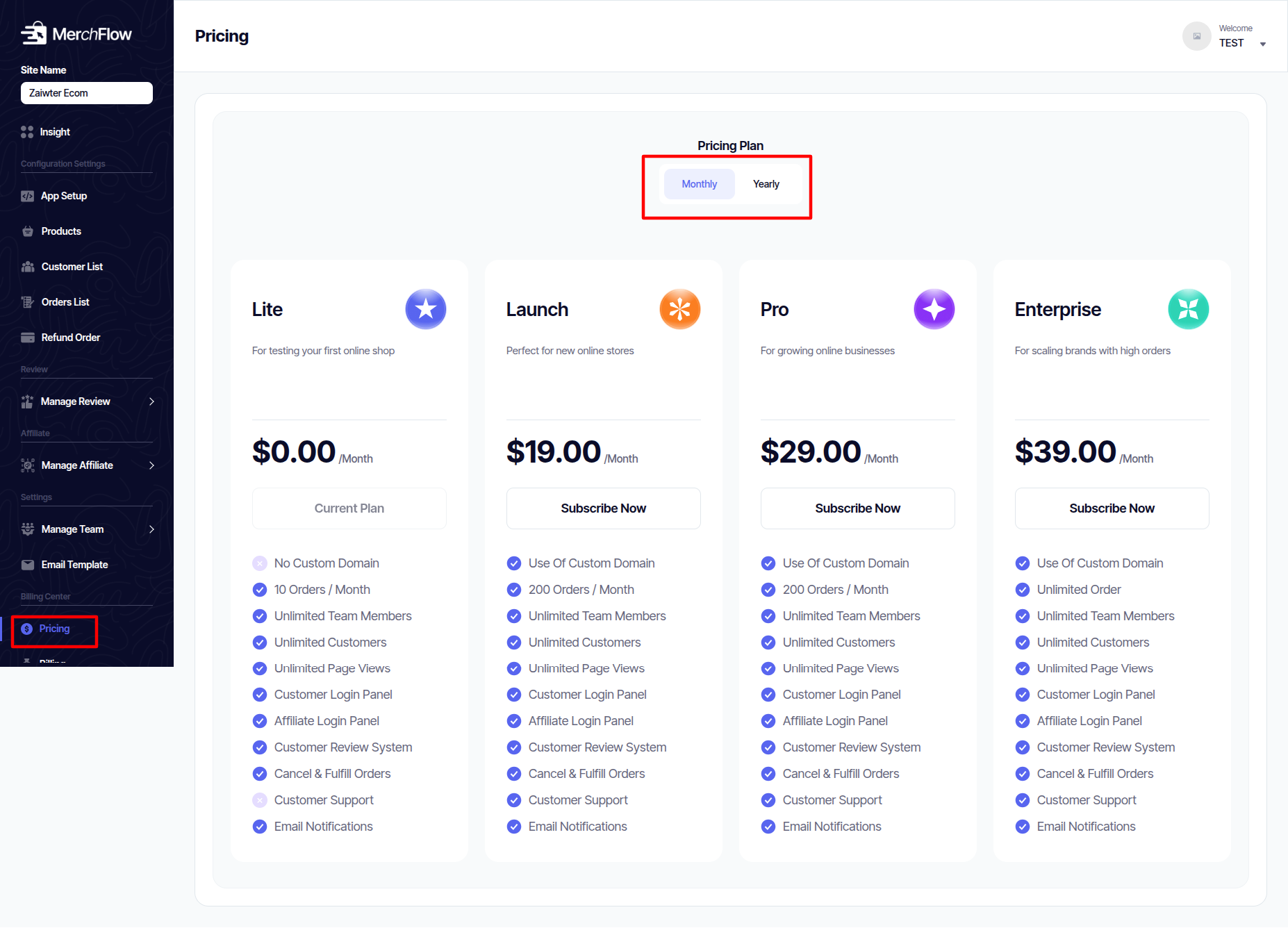
Pricing
View or change your current subscription plan.
Billing
Access and download your invoices and payment history.